Levoit Air Purifier Red Light: What It Means and How to Clear It
A red light on a Levoit is either the Check Filter reminder or the air-quality ring reading Bad. Model-by-model meanings and reset steps from Levoit's manuals.
By Clean Air Guides editorial teamUpdated 7 min read
In this article
A red light on a Levoit air purifier means one of two things. Either the Check Filter Indicator has come on, a running-time reminder to look at the filter, or the air-quality indicator ring is showing “Bad” air on a model with a dust sensor. The filter light stays on until you reset it; the ring goes back to orange, green or blue once the air clears. Neither one stops the purifier from working.
Everything below comes from Levoit’s own user manuals for each model and Levoit’s support article on the red light. We haven’t run these purifiers ourselves; our research method explains how we work.
First, which red light is it?
Look at where the light is and what it’s shaped like:
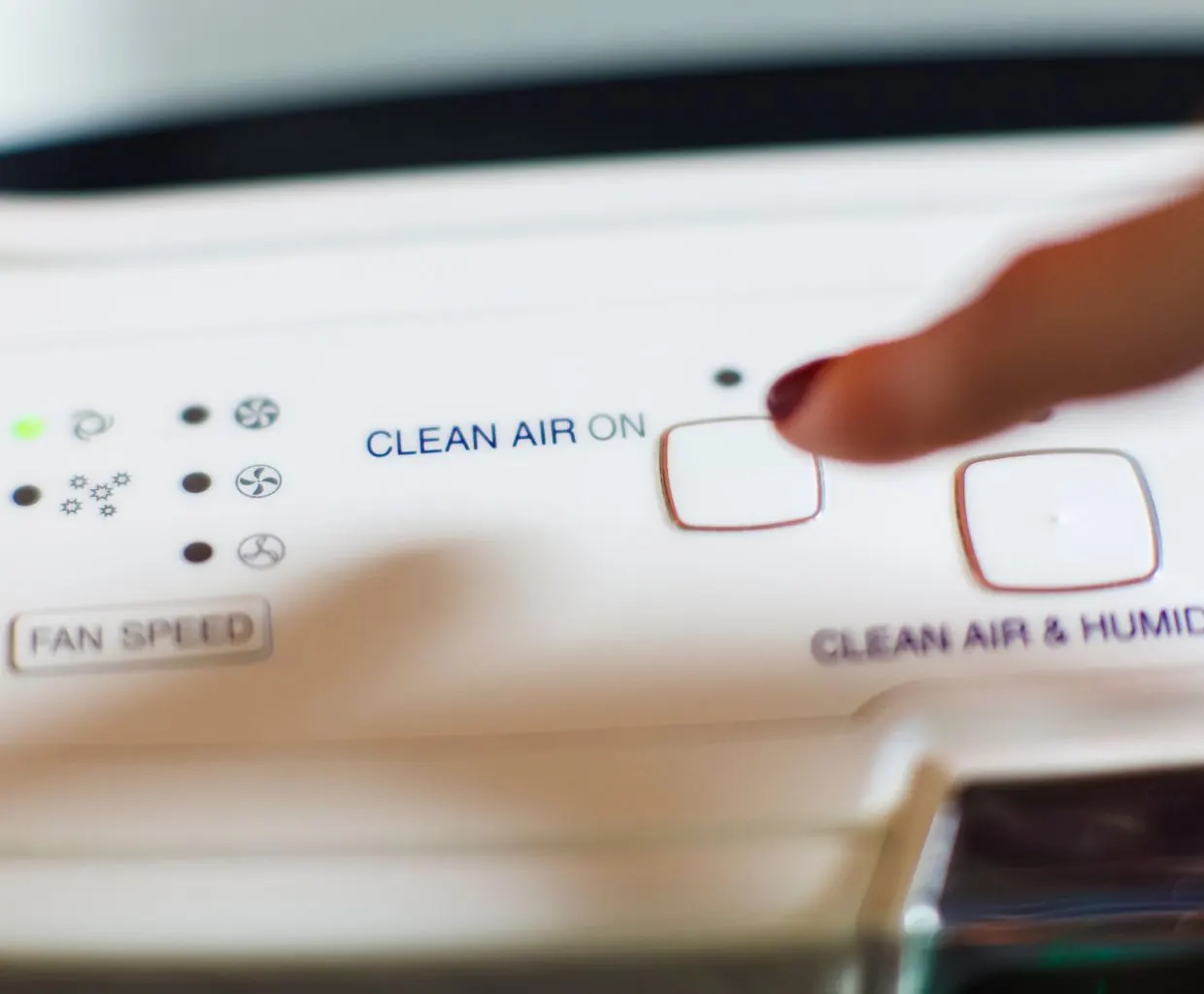
- A small filter-shaped icon that’s lit: that’s the Check Filter Indicator. Levoit says it’s timer-based: it turns on after a set amount of running time, whatever the filter actually looks like. The Core 300S manual says it stays lit even in Sleep Mode or with the display turned off.
- A colored ring around or on the display: that’s the air-quality indicator, found on sensor models such as the Core 300S, 400S, 600S and Vital 100S and 200S. Red means the sensor is reading “Bad” air right now.
The Core 300-P and Core Mini have no air-quality sensor, so on those two a red light can only be the filter reminder.
What the air-quality ring colors mean
The Core 300S, Core 400S, Core 600S, Vital 100S and Vital 200S manuals all use the same four colors. In Auto Mode, the color also sets the fan speed:
| Ring color | Air quality | Auto Mode fan speed | PM2.5 (Core 400S/600S) |
|---|---|---|---|
| Blue | Very Good | Sleep Mode | 0–35 µg/m³ |
| Green | Good | Low | 36–75 µg/m³ |
| Orange | Moderate | Medium | 76–115 µg/m³ |
| Red | Bad | High | Above 115 µg/m³ |
The PM2.5 ranges appear in the Core 400S and 600S manuals, which show a PM2.5 reading on the display; the other manuals give only the colors. A red ring after frying, burnt toast or on a smoky day is the purifier doing its job and should fade once the fan catches up. If smoke is coming in from outside, our guide to wildfire smoke indoors covers what else helps.
Red Check Filter light: what it means and how often it comes on
The filter light is a reminder to check the filter, not proof that it’s used up. Each manual gives a rough timeline based on how much you run the purifier:
| Model | Check Filter light comes on after about | Manual’s replacement interval |
|---|---|---|
| Core Mini-P | 4–6 months | 4–6 months |
| Core 300-P | 6–8 months | 6–8 months |
| Core 300S-P | 6–8 months | 6–8 months |
| Vital 100S-P | 9 months | About 9 months |
| Core 400S-P | 12 months | 12 months |
| Vital 200S-P | 12 months | 12 months |
| Core 600S-P | 6–12 months (24 hours a day of use) | 6–12 months |
Run the purifier more and the light comes on sooner; run it less and it takes longer. On the app-connected models, the VeSync app also shows filter life as a percentage. The Core 400S, Vital 100S and Vital 200S manuals say the app calculates it from air quality, amount of use and other factors, based on 12 hours of daily use.
When the light comes on, check the filter. Levoit’s manuals list the signs it’s time for a new one: more noise, less airflow, unusual odors or a visibly clogged filter. If it still looks fine, Levoit’s support article says it’s reasonable to reset the light and keep using it a while longer. Levoit adds that homes with pets or more dust may need new filters sooner. Our guide on how often to change an air purifier filter covers the signs in more detail.
How to reset the red light, model by model
Replacing the filter doesn’t clear the light on its own. You have to reset it:
| Model | How to reset the Check Filter Indicator |
|---|---|
| Core 300-P | Turn the purifier on, then press and hold the Check Filter Indicator button for 3 seconds |
| Core 300S-P | Turn it on, then press and hold the Sleep Mode button for 3 seconds |
| Core 400S-P | Turn it on, then press and hold the Check Filter Indicator Reset button for 3 seconds |
| Core 600S-P | Turn it on, then press and hold the Check Filter Indicator Reset button for 3 seconds |
| Vital 100S-P | Turn it on, then press and hold the Sleep Mode button for 3 seconds; the light flashes 3 times and turns off |
| Vital 200S-P | Turn it on, then press and hold the Sleep Mode button for 3 seconds; the light flashes 3 times and turns off |
| Core Mini-P | Keep it plugged in with the fan off, then press and hold the Control button for 3 seconds; the light blinks 3 times and turns off |
On smart models, the filter life returns to 100% in the VeSync app after a reset. Levoit’s support article adds that you can also reset the filter indicator in the app’s device settings.
Changed the filter before the light came on? The manuals cover this too. Hold the same button for 3 seconds; on the Core 300-P and Core Mini this turns the light on, and holding it for another 3 seconds turns it off again. On the Core 300S, 400S and 600S, the light flashes for 3 seconds and then turns off.
Tip: We’d write the date on the new filter’s packaging or in your phone when you swap it. The light only tracks running time, so a date tells you how old the filter really is.
The air-quality ring stays red all the time
If the ring is red even when the air seems clean, the Core 300S, 400S, 600S and Vital manuals point to two causes.
1. A dusty sensor. Dust on the sensor makes it read high. How to clean it depends on the model:
- Core 300S, 400S and 600S (AirSight Plus laser sensor): clean every 3 months. Unplug the purifier, hold the end of a vacuum hose over the sensor openings and run the vacuum for at least 10 seconds.
- Vital 100S and 200S (AirSight infrared sensor): clean the lens every 2 months. Unplug the purifier, open the dust sensor cover, wipe the lens with a cotton swab dipped in water, then dry it with a dry swab and close the cover. Don’t remove the foam piece on the cover unless Customer Support tells you to.
In a dusty home or one with pets, the manuals say to clean the sensor more often.
2. Mist from a nearby humidifier. All five sensor-model manuals warn that an ultrasonic humidifier near the purifier can fool the sensor: it detects the large mist droplets as particles, and the ring may turn red. Levoit’s fix is to move the humidifier away or use a mode other than Auto. Our guide to ultrasonic vs evaporative humidifiers explains why ultrasonic mist behaves this way, and where to put an air purifier helps with placement.
The opposite problem has its own entry: if the ring stays blue even when the air smells bad, the manuals note that the sensor detects particles, not gases. Odors, fumes and VOCs won’t change the color.
The filter light won’t turn off
If you’ve reset it and the light is still on, Levoit’s support article suggests reseating the filter so the cover latches fully, unplugging the purifier for a minute or two, then holding the button again for a full, steady 3 seconds. We’d also check two things the manuals stress: the new filter’s plastic wrap must come off, and on the Core 300S and both Vital models the reset is the Sleep Mode button, not the filter icon.
When to contact Levoit
The manuals say to contact Customer Support when the display shows E1 (on the Core 300S, 400S and 600S, a motor malfunction), when the power cord is damaged, or when an unusual noise continues with the filter seated and the unit level, which may mean damage or a foreign object inside. Don’t try to repair it yourself.
Levoit Customer Support is at [email protected] and 1-888-726-8520, Monday to Friday, 9:00 am to 5:00 pm Pacific time. Have your proof of purchase ready: Levoit’s limited warranty runs two years from the original purchase. For each model’s CADR and filters, see our Levoit Core 300 review, Levoit Vital 200S review and Levoit Core 600S review.
Our take
In our view, a red light on a Levoit is almost always routine. Work out which light it is first. A red ring that comes and goes is just the sensor reporting dirty air; one that never changes usually means a dusty sensor or a humidifier too close by. A red filter icon is a running-time reminder: check the filter, replace it if it’s clogged or smells, then hold the right button for 3 seconds. We’d only call Levoit for an E1 code, a damaged cord or a noise that doesn’t go away.
Frequently asked questions
Why is there a red light on my Levoit air purifier?
On Levoit purifiers, a red light is either the Check Filter Indicator, a timer-based reminder to check the filter, or the air-quality indicator ring showing Bad air on models with a sensor. The ring changes color as the air changes; the filter light stays on until you reset it.
How do I reset the red filter light on a Levoit?
It depends on the model. Core 300-P: turn it on and hold the Check Filter button for 3 seconds. Core 300S, Vital 100S and Vital 200S: hold the Sleep Mode button for 3 seconds. Core 400S and 600S: hold the Check Filter Reset button for 3 seconds. Core Mini: with it plugged in and the fan off, hold the Control button for 3 seconds.
Why is my Levoit air quality light always red?
Levoit's manuals say the dust sensor may need cleaning, and that mist from an ultrasonic humidifier near the purifier can make the ring turn red. Clean the sensor, move the humidifier away or use a mode other than Auto.
Does the red filter light mean I have to replace the filter?
Not always. Levoit's manuals call it a reminder to check the filter, based on running time. Replace the filter if it looks clogged, smells, or airflow or noise has changed; otherwise you can reset the light and check again later.
Can I keep using my Levoit with the red light on?
Yes. Levoit says the Check Filter light doesn't stop the purifier from running, though performance may drop if the filter really is full. A red air-quality ring only reports conditions in the room.
What does E1 mean on a Levoit air purifier?
In the Core 300S, Core 400S and Core 600S manuals, error code E1 means the motor has malfunctioned. Levoit says to contact Customer Support.
Related guides
Air Purifiers
Levoit Air Purifier Filter Guide: Which Filter Fits, How Often to Change It and What It Costs
Which Levoit filter fits your Core or Vital purifier, what Original, Pet Allergy, Toxin Absorber and Smoke Remover do, how often to replace them and the yearly cost.
8 min read
Air Purifiers
Winix C535 Review: Specs, Filter A Costs and the European ZERO
A research-based look at the Winix C535 and its European twin, the ZERO: CADR, real room size, Filter A costs, 70 W running cost, PlasmaWave and upkeep, with photos of the unit.
18 min read
Air Purifiers
How to Clean a Honeywell Air Purifier: HEPA and Washable ifD Models
Step by step from Honeywell's own manuals: what to wipe, what to wash, what to replace, and how to reset the filter light on HPA and HFD models.
8 min read
Air Purifiers
Levoit Core 300: Specs, Costs and Who Should Buy It
A research-based look at the Levoit Core 300 (now the Core 300-P): AHAM CADR, room size, filters, noise and power, plus how it stacks up against the 300S and Vital 200S.
9 min read